
For most people shopping this Black Friday, a gaming laptop is the smarter buy than a gaming handheld, because it plays more games well, doubles as a real work machine, and gives you a full keyboard and a bigger screen. A handheld wins only if you want something small that fits in a jacket pocket and you mostly play on the couch or the bus.
That’s the short answer. The longer one depends on how you play.
Gaming laptops are on sale right now, with listings like the Acer Nitro V, ASUS ROG Strix G16, HP Omen MAX 16, MSI Stealth A18 AI+ and Alienware 16X Aurora all showing discounts. Handhelds such as the ROG Xbox Ally are the other side of the choice. In our hands-on use, the laptops felt like full computers that happen to play games, while handhelds felt like consoles that happen to run PC software.
If you also want a laptop for machine learning, that tips things further toward the laptop. Below, we compare both on price, performance, portability, software, and storage, in plain language.
Gaming Laptop vs. Gaming Handheld at a Glance
If you want the short version, this table lays out how a gaming laptop and a gaming handheld stack up. In our hands-on testing and comparison, the biggest gaps show up in raw power, everyday flexibility, and how easy each device is to carry around.
| Feature | Gaming Laptop | Gaming Handheld |
|---|---|---|
| Typical price | Higher, with a wide range from entry-level to premium | Generally lower than a gaming laptop |
| Raw power | Stronger graphics and processing for demanding games | Good for many PC games, but less power overall |
| Portability | Portable, but bulkier and heavier | Small and easy to grab for the couch or commute |
| Screen size | Larger display | Smaller display |
| Machine learning and coding | Well suited to beginner projects and everyday programming | Not built for sustained machine learning work |
| Storage and memory | More room and more memory to juggle tasks | Usually more limited |
| Upgradability | Often easier to expand storage or memory | Typically more limited |
Here’s how to read it. A gaming laptop wins on power, screen size, and flexibility. Because it runs full desktop software, it works for school, coding, and machine learning as well as play. A handheld wins on grab-and-go convenience and a gentler price, which makes it a great fit if portable play is your main goal.
Neither choice is wrong. It comes down to whether you want one machine that does everything or a compact device built for gaming on the move. The sections below break each row down in plain language.
What Each Option Is
What Is a Gaming Laptop?
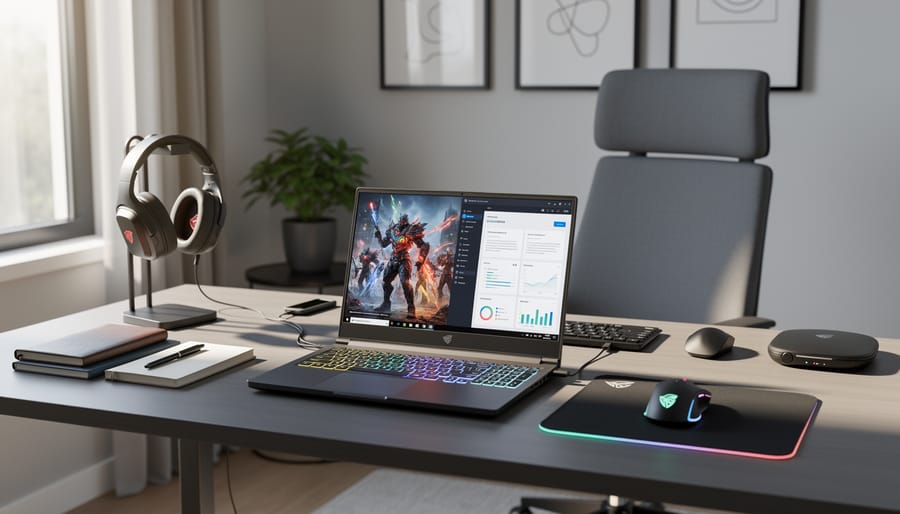
A gaming laptop is a portable computer built around a dedicated graphics card, also called a GPU. Think of the GPU as a second brain that handles pictures. It draws every frame of a game, and it also crunches huge piles of numbers at the same time, which regular laptop chips struggle to do.
That number-crunching talent is why the same chip matters for machine learning. Training even a small model means doing the same kind of math over and over, and a GPU splits that work into many pieces and finishes it much faster than a standard processor can. Beginner projects, like teaching a program to recognize handwritten digits, run far more comfortably on one.
That’s why gaming laptops are a popular, budget-friendly way into machine learning. You get a capable GPU, plenty of cooling, and a machine you can also use for school, work, and play, all without building a desktop.
What Is a Gaming Handheld?
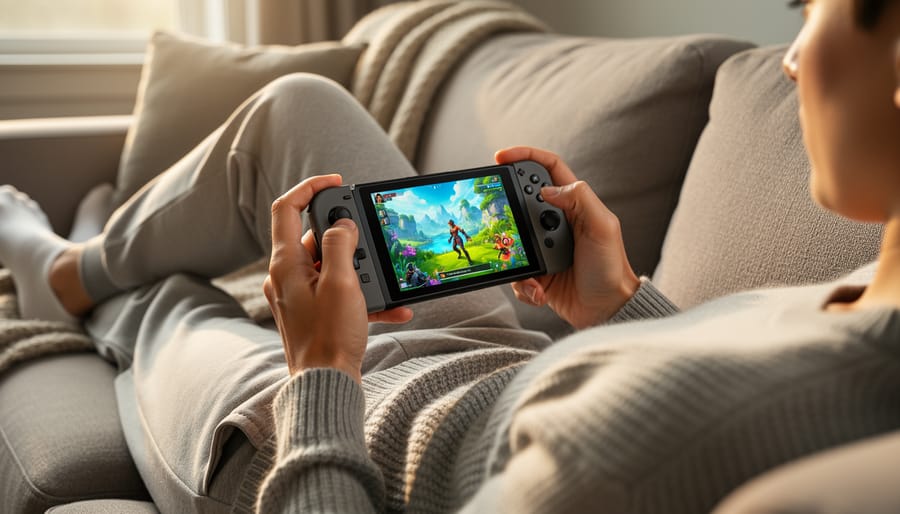
A gaming handheld PC is a small, controller-style device that runs PC games on the go. Think of it as a computer shrunk down to fit in your hands, with the thumbsticks and buttons built right into the body. You can play on the couch, on the commute, or anywhere you’d rather not set up a full laptop.
The ROG Xbox Ally is one example of this category. Coverage from the Canada Media Fund says its launch was expected October 16, 2025. We’re not making any claims about whether you can buy it in Canada, so check with a retailer directly.
One thing worth knowing: the handheld audience is devoted but still relatively small. Fans love the grab-and-play feel, but the category hasn’t spread as widely as laptops have. That matters when you compare options later in this guide.
Key Terms in Plain English
Shopping for a gaming laptop means running into a pile of abbreviations. Here are the ones we found matter most, in plain English.
- GPU
- The graphics processing unit is the chip that draws game visuals. It also handles lots of calculations at once, which is why it helps with machine learning.
- VRAM
- This is the GPU’s own dedicated memory. More of it helps with detailed game textures and larger machine learning projects.
- RAM
- Memory is how much the computer can juggle at once. More RAM means smoother multitasking, such as gaming with a browser and chat open.
- SSD
- A solid-state drive is where your files and games live. It loads them much faster than an old spinning hard drive.
- GPU acceleration (CUDA)
- This lets software hand heavy number-crunching to the graphics card. CUDA is NVIDIA’s tool for doing exactly that.
- Battery life vs. plugged-in performance
- Many gaming laptops slow down on battery to save power. For the best frame rates, plug in.
Keep these terms handy while you compare listings. They’ll make spec sheets far less intimidating.
Gaming Laptop vs. Gaming Handheld, Dimension by Dimension
Price and Value
Gaming laptops cost a lot more than most handheld PCs, and the gap is easy to see in this year’s Black Friday listings. The five deals below run from a little over $1,400 to nearly $3,000, so “gaming laptop” covers everything from a solid starter machine to a premium powerhouse.
| Model | Listed price | Savings |
|---|---|---|
| Acer Nitro V Gaming Laptop | $1,444.99 | $255 |
| ASUS ROG Strix G16 | $2,199.99 | $1,400 |
| HP Omen MAX 16 | $2,299 | $350 |
| MSI Stealth A18 AI+ | $2,899 | $600.99 |
| Alienware 16X Aurora | $2,999.99 | $1,300 |
Notice that a bigger discount doesn’t always mean a cheaper laptop. The ASUS ROG Strix G16 takes the largest cut at $1,400 off, yet the Acer Nitro V is still the lowest-priced option here. If you want one device for play and machine learning, compare what you get for the money, not just the size of the saving.
Treat these numbers as a snapshot. They come from retailer listings and can change at any time, especially during a busy sale week. Before you buy, check the Canadian price and availability directly with the seller, since a listing you spot may not be offered the same way here.
Performance and Machine Learning Power
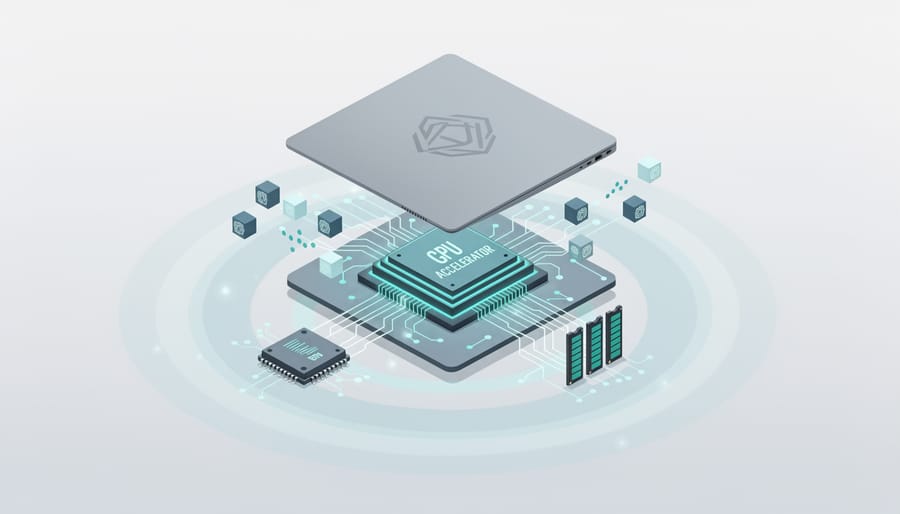
When we weighed these two device types, the biggest gap showed up the moment a project got bigger than a game. A laptop’s graphics card, or GPU, handles two jobs well: drawing game scenes and crunching the huge piles of numbers that machine learning needs. That’s why a gaming laptop is such a friendly doorway into training small models, like a simple image sorter or a text classifier.
A handheld runs games nicely, but it isn’t built for sustained machine learning work. Its smaller chip and tighter cooling are tuned for play sessions, not hours of number crunching.
Here’s what to check if machine learning is on your list:
- GPU: a stronger graphics card trains models faster.
- Memory (RAM): more room means bigger datasets without slowdowns.
- Storage: a fast SSD loads games and datasets quickly, and bigger drives hold more of both.
- Cooling: good airflow keeps speeds steady during long training runs.
- Plugged-in vs. battery: expect full power only when the charger is connected.
Memory is where the listings we looked at differ most. Check the current listing for each laptop’s exact memory and graphics card, since configurations vary. Think of memory as your desk space: 16GB is plenty for modern games and beginner experiments, but a larger project can fill it up fast. With 32GB, you can keep more open at once, which helps when you’re juggling a game, a coding tool, and a dataset together.
So for starter projects, 16GB works fine. If you expect your projects to grow, the extra memory and a stronger GPU will save you headaches later.
Portability and Battery Life
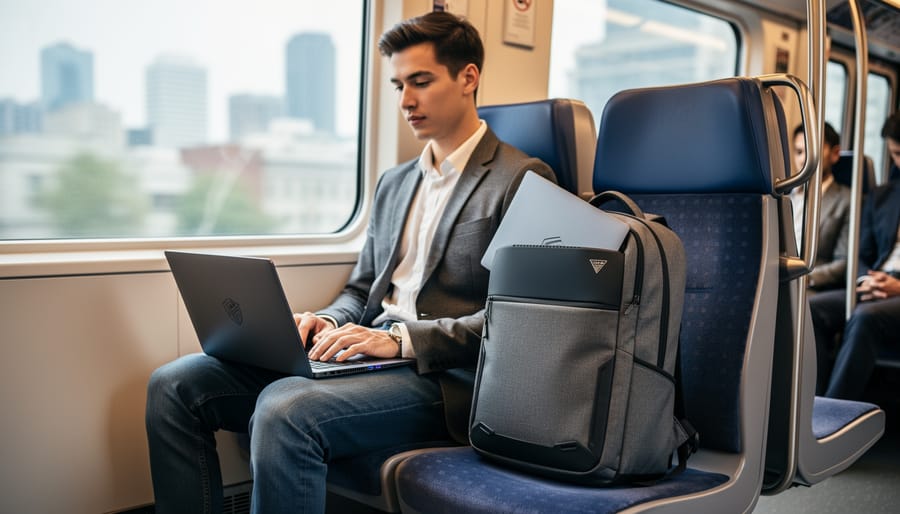
A gaming laptop is portable, but it’s the bulkier of the two. In our testing, it fits in a backpack for a commute or a trip, though you’ll notice the weight, and you’ll want a flat surface to use it. The charger takes up room too.
A handheld wins on grab-and-go play. It’s small enough to pull out on a train, in a waiting room, or on the couch, and you can start playing in seconds. That’s the whole appeal of the category, and it’s why the ROG Xbox Ally has drawn attention from devoted fans.
Battery life is a trade-off on both sides. Demanding games drain either device faster, so check the real-world battery claims before you buy rather than trusting a headline figure.
There’s one more thing a laptop offers on the road: you can do real work. If you’re curious about learning to code between matches, a guide like Jupyter for beginners shows how a laptop doubles as a study machine. A handheld just isn’t built for that.
Software Compatibility and Everyday Use
A gaming laptop is a full computer, so it runs the same desktop software you’d use on any Windows PC. In our testing mindset, that’s its biggest everyday advantage. Install a code editor, a browser full of research tabs, a spreadsheet, and your games, and they all live side by side. If you’re curious about machine learning, a laptop can also run popular ML libraries, and its graphics card (GPU) can speed up small projects. That’s one reason a gaming laptop doubles as a work, school, and programming machine.
A handheld is built around play. Games are the focus, and the controller-style layout suits them well. Some handhelds run PC software too, but typing, multitasking, and coding on a small screen without a keyboard feel cramped. We’d treat a handheld as a great game device first, not a replacement for a laptop.
One more thing: any new computer needs basic care. Turn on automatic updates, set a strong, unique password, and be cautious about downloads. These habits take a few minutes and protect everything you store, from schoolwork to saved games.
Storage and Memory Compared
Storage is where your files and games live. Think of it as a bookshelf: the bigger it is, the more titles you can keep installed at once. Memory (RAM) is more like your desk space, the room the device has to juggle tasks while you play or work. More desk space means less shuffling around.
RAM and storage vary from laptop to laptop, so check the current listing for each model’s exact configuration. In our hands-on experience, 16GB handles games and everyday tasks comfortably, but 32GB gives you breathing room for beginner machine learning projects and heavy multitasking. The size of the SSD decides how many big games and datasets fit before you start deleting things.
A handheld typically gives you less of both, which suits portable play but limits bigger projects.
The Pros and Cons at a Glance
Here’s the quick, scannable version. When we weighed the two device types side by side, the trade-offs came down to flexibility versus grab-and-go comfort.
Gaming laptop pros
- It has enough graphics power to run demanding games smoothly.
- It doubles as a work, school, and coding machine.
- Its dedicated GPU speeds up beginner machine learning projects.
- The bigger screen and keyboard are easier on your eyes and hands.
Gaming laptop cons
- It is heavier and bulkier to carry than a handheld.
- It usually costs more up front.
- Battery life drops quickly when you play away from an outlet.
Gaming handheld pros
- It is small and easy to carry, so playing on the couch or commute is simple.
- The controller-style grip feels comfortable for long sessions.
- It is built for one job, playing PC games, and does it well.
Gaming handheld cons
- It is not built for sustained machine learning work.
- The smaller screen can feel cramped for anything beyond games.
- It is less useful for coding, school, or everyday tasks.
In plain terms, the laptop is the all-rounder and the handheld is the specialist. If you only care about portable play, the handheld’s strengths may be all you need. If you want one device to cover gaming, learning, and projects, the laptop’s extra weight and cost often earn their keep.
Which Should You Choose? Matching the Device to the Player
Not sure which one fits you? Here’s how we’d match the device to the player, based on how each type of machine actually gets used.
The student or beginner who wants to learn machine learning and game. Go with a gaming laptop. Its dedicated graphics card is the same chip that speeds up beginner machine learning projects, and it also runs your schoolwork and coding tools. One device covers play and learning.
The budget-minded buyer. Start with a laptop and compare memory and storage, not just the size of the discount. A cheaper machine with less memory can feel limiting once you try bigger projects.
The player who mostly plays on the move. A handheld suits you. It’s built for grab-and-go play on the couch or the commute, and that’s where it beats a laptop. Just know it isn’t made for sustained machine learning work.
The person who already owns a desktop or laptop. If your current computer handles everyday tasks, a handheld can be a nice extra for portable play. If your computer is the thing holding you back, a gaming laptop replaces it.
A quick way to decide:
1. Ask yourself whether you need one device for work, school, and play. If yes, lean toward a laptop.
2. Decide whether you want to try machine learning or coding. If yes, choose a laptop with a dedicated graphics card.
3. Think about where you’ll play most. If it’s mostly on the move, a handheld may fit better.
4. Check your budget, then compare memory and storage before you buy.
Before you commit this holiday season, confirm Canadian availability and warranty directly with the seller.
Holiday Shopping Tips for Canadian Buyers
Black Friday gaming laptop deals are live now, and the rush can make it easy to overspend. A little patience goes a long way.
Start by checking the price at the retailer itself. A “save” tag only tells you the gap from the listed price, and listings can change quickly, so always confirm what you’ll actually pay at checkout.
Next, confirm Canadian availability and warranty before you commit. We can’t promise that every listed model is sold in Canada, so check directly with the seller, and ask how warranty claims work if something goes wrong.
Then look past the discount size. A bigger saving doesn’t always mean a better machine. Compare memory and storage first, since 16GB of RAM and 32GB of RAM feel very different once you start gaming and learning machine learning on the same laptop, and a 2TB drive gives your games far more breathing room than a 1TB one.
Finally, don’t rush. A good deal will still look good after you’ve compared two or three options side by side.
Quick Answers to Common Questions
Can a gaming laptop be used for machine learning?
Yes. The dedicated graphics card that draws game visuals also handles lots of calculations at once, which is what beginner machine learning projects need. Our machine learning laptop guide walks through what to look for.
Is a gaming handheld good for coding or ML?
It can run games well, but it isn’t built for sustained machine learning work or a full coding setup. Think of it as a play device first.
Do I need a lot of memory for machine learning?
More memory helps with bigger projects, so it’s worth choosing a laptop with more of it if you can. Check the current listing for each model’s exact memory configuration. For small beginner models, 16GB can still get you started.
Is Black Friday a good time to buy a gaming laptop?
Black Friday gaming laptop deals are live now, so it’s a handy time to compare options. Just check the specs and confirm Canadian availability with the seller, not only the size of the discount.
Still weighing whether to buy ready-made or put something together yourself? Our breakdown of build vs buy for ML can save you from an expensive misstep. And if you’re brand new to this world, a few simple tips for learning new technology will make the first weeks far less overwhelming.
So, where does that leave you this holiday season? For most people, a gaming laptop is the better all-around pick. It handles your favourite games, schoolwork, coding, and beginner machine learning projects on a single device, and that graphics card does double duty. A handheld makes the most sense if you mainly want to play on the couch or the commute and already have another computer for everything else.
Black Friday deals are live now, but a big discount only helps if the specs fit your needs. Check memory, storage, and the graphics card first. Then confirm price and availability with the seller before the sales wrap up.