
For machine learning, building your own PC is usually the better choice if you plan to train models regularly, and buying a prebuilt is the better choice if you want something that works out of the box. Building takes a weekend and basic patience, no engineering degree required. It gives you control over the two parts that matter most for ML: the graphics card (GPU) and memory, and it lets you swap them out later as your projects grow.
Here’s why that matters. Gaming advice says “buy the fastest chip.” ML cares about something different: how much video memory your GPU has, because that decides how large a model you can train at all. A prebuilt often skimps there, or locks you into a cramped case and a weak power supply.
There’s also a third path many beginners overlook: renting cloud GPUs by the hour. If you only experiment now and then, it can cost far less than any machine.
Below, we’ll walk through what to gather, what to watch out for, and a simple step-by-step way to decide.
What You Need Before You Decide: Tools, Materials, and Info to Gather
Before you pick a side, spend ten minutes gathering a few facts about yourself and your plans. Most “build or buy” regrets come from skipping this step, not from choosing the wrong path.
Here’s your pre-decision checklist:
- Budget range: the total you’re comfortable spending, with a little padding for surprises like a better power supply.
- Type of ML work: are you learning the basics with small projects, or training bigger models that need serious horsepower?
- Comfort with tinkering: be honest about whether you enjoy hands-on projects or get frustrated by them.
- A clean workspace: a large table with good light and a non-carpeted floor helps if you build.
- Basic build tools: a Phillips screwdriver, an anti-static wrist strap (it keeps static from zapping delicate parts), and zip ties for tidy cables.
- A core parts list: the GPU, CPU, memory, storage, motherboard, power supply, and case.
That last item sounds like a lot, but it’s simpler than it looks. If you want a friendly walkthrough, our guide to the 4 core components covers the essentials in plain English.
For machine learning, a few parts matter most. The GPU (graphics card) is the “muscle” that crunches the math, so it deserves the biggest slice of your budget. Memory, or RAM, is your desk space: more of it lets you work with larger datasets without things slowing down. Storage is your filing cabinet, and a fast SSD keeps your files loading quickly. The CPU is the project manager, directing traffic, but it matters less than the GPU here.
Write these answers down. They’ll make every later step in this guide much easier.
Safety Warnings and Red Flags Before You Build or Buy
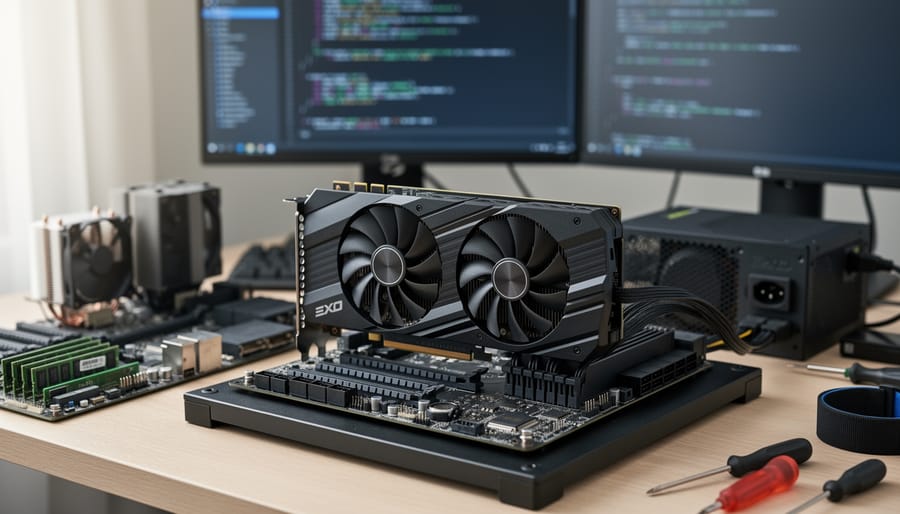
Before you spend a dollar or touch a single part, a few basic safety habits will save you money and headaches.
Handling parts safely. Static electricity can quietly damage computer parts, and you often won’t see it happen. Touch a bare metal part of your case before handling anything, or wear an anti-static wrist strap. Hold the graphics card and memory by their edges. And never force a connector. Most plugs fit only one way, so if something resists, stop and check the direction.
Power supply (PSU) safety. The PSU is the box that feeds electricity to everything else, and it holds dangerous charge even when unplugged. Never open it. Check that its wattage matches your graphics card, because ML workloads push GPUs hard for hours.
Buying red flags. Watch for prebuilts that advertise a flashy processor but hide a weak GPU, which is the part ML cares about most. Be wary of skimpy power supplies from no-name brands, and of locked-down parts that limit future upgrades. Used GPUs can be bargains, but ones worn out by crypto mining may fail early. Ask for proof of the seller’s history, and test before you pay.
When to pause. Stop and ask for help if parts won’t fit without force, if you can’t confirm compatibility, or if anything smells burnt or looks damaged. If hands-on work makes you anxious, choosing a prebuilt with a warranty is a perfectly smart call.
Building vs. Buying: How They Compare for Machine Learning
Why Building Often Wins on Power and Value
When you build your own machine, you decide where every dollar goes. For machine learning, that matters a lot. The graphics card (GPU) does the heavy math, and its onboard memory (called VRAM) limits how big a model you can train. Memory (RAM) and fast storage come next. Things like glowing fans, fancy cases, and brand-name motherboards barely help your results. A prebuilt often spends money on those extras while skimping on the GPU, so you can end up paying more for less muscle.
Building also makes upgrades painless. Say you start with a mid-range GPU today. Two years from now, you can swap in a better one, add more RAM, or drop in a bigger drive without replacing the whole computer. Many prebuilts use odd parts that make this harder.
There’s a bonus, too: you learn how your machine works. When something runs hot or slow, you’ll know where to look.
Now the honest part. Expect to spend a weekend researching parts and a few hours putting them together. You’ll need patience, and your first build may feel nerve-wracking. That time is the real price of building.
When Buying a Prebuilt or Using the Cloud Makes More Sense
Building isn’t always the smart move. If you have a tight deadline, a prebuilt PC arrives ready to go, so you can start training models this week instead of waiting on parts and troubleshooting. The same goes if assembly simply doesn’t interest you. Nobody gets extra credit for suffering through a build.
A prebuilt also gives you one warranty and one support line. If something fails, you contact a single company rather than working out whether the graphics card, power supply, or motherboard is to blame.
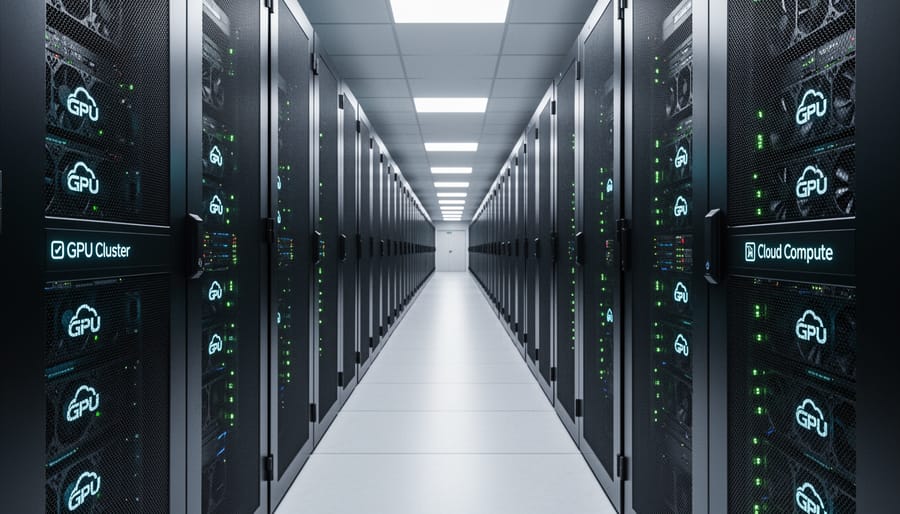
Then there’s the cloud. Cloud GPU rental is basically renting a powerful computer by the hour. You log in over the internet, use a high-end graphics card for as long as you need, and pay only for that time. It’s ideal if you need heavy computing power now and then, like training one big model a month, because you skip the upfront cost of expensive hardware.
The catch is that costs add up if you rent for long stretches. Heavy daily use usually makes owning cheaper over time.
How to Choose Your Path in 5 Steps
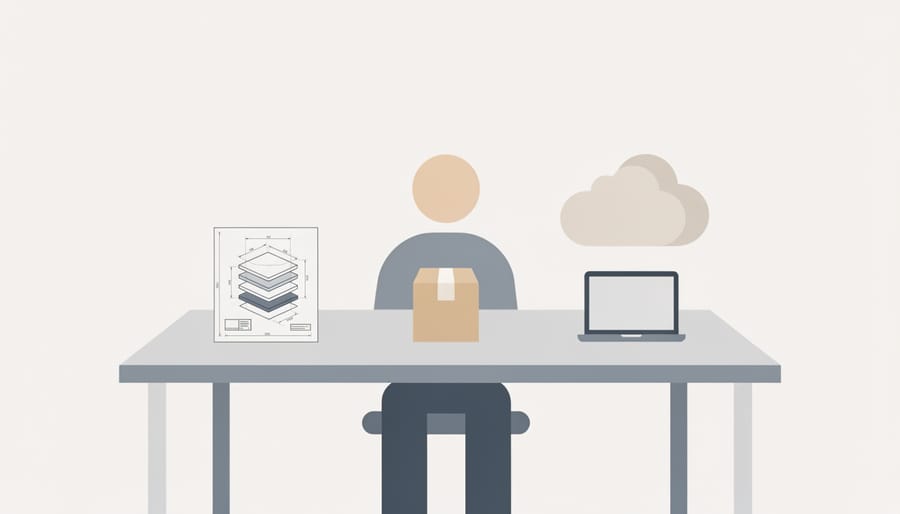
Choosing between building and buying doesn’t need to be stressful. Work through these five steps in order, and the answer usually becomes obvious.
- Set your budget. Decide the most you’re willing to spend, then keep a small cushion for extras like a monitor or cables. Tip: ML machines spend most of their money on the graphics card, so don’t let a flashy case eat into that.
- Define your ML goals. Write down what you’ll actually do. Following tutorials and training small models needs far less muscle than fine-tuning bigger ones. Tip: if you can’t describe your project in a sentence, assume you’re a beginner and start modest.
- Price a build and a prebuilt side by side. Pick one GPU and list the matching parts, then find a prebuilt with the same GPU and similar memory. Tip: compare the graphics card and RAM first, because weak GPUs hide inside expensive-looking prebuilts.
- Honestly rate your comfort with hands-on building. Ask yourself whether you’d enjoy a Saturday spent with a screwdriver and a manual. Tip: there’s no wrong answer, and plenty of people happily skip the tinkering.
- Make the call and plan your next purchases. Choose build, buy, or rent, then list what you’ll need next, like storage or a second monitor. Tip: write down your decision so you stop second-guessing it.
Here’s how this plays out for two real people.
Maya is a student learning the basics on a $1,200 budget. She enjoys tinkering and has a free weekend, so she prices a build and finds she can fit a stronger GPU than any prebuilt at her price. She builds.
Daniel is a developer with a deadline in three weeks. His budget is higher, but he has no interest in assembly and wants one warranty if something breaks. He also only needs heavy computing power now and then, so he rents a cloud GPU by the hour for big jobs and buys a modest prebuilt for everyday work.
Same question, two sensible answers. Your budget, goals, and comfort level are what tip the scale, not some universal rule.
Quick Tips for Building Your ML Machine If You Go the DIY Route
If you decide to build, keep it simple. These four habits will save you the most money and frustration.
Start with the GPU, then build around it. For machine learning, the graphics card does the heavy lifting, so choose it first. Pay close attention to its video memory (VRAM), because that decides how big a model you can train. Once you’ve picked the GPU, choose a processor, memory, and storage that won’t hold it back. A fast card paired with a bargain-bin processor wastes your money.
Use a free compatibility checker. Sites like PCPartPicker let you add parts to a list and warn you when something won’t fit or work together. It’s like a spell-check for your shopping cart, and it catches mistakes before they cost you a return trip.
Don’t skimp on power. Machine learning loads can run your graphics card hard for hours. Choose a power supply with comfortable headroom above your parts’ combined needs, from a trusted brand.
Plan for cooling and airflow. Long training runs create heat. A roomy case with good airflow keeps temperatures down, noise lower, and parts lasting longer.
Skip trying to learn assembly from a summary like this one. A dedicated step-by-step build guide, ideally with video, will walk you through each connection far better than a few paragraphs can.
How to Check You Made the Right Choice and What to Do Next
Once your machine is running, take ten minutes to confirm it actually does what you bought it for. A few quick checks now save hours of confusion later.
Start with the basics. Open your system’s device list (Device Manager on Windows, or type `nvidia-smi` in a terminal if you have an NVIDIA card) and make sure your graphics card shows up. If it’s missing, the drivers probably aren’t installed yet, so grab the latest ones from the manufacturer’s website.
Next, check temperatures. Run a demanding task for a few minutes and watch the readout from a free monitoring tool. If the card stays well below its limit, you’re fine. If it climbs fast, revisit your GPU and cooling setup, since airflow and fan placement are usually the culprit.
Then run a tiny test. Install Python, add a library like PyTorch or TensorFlow, and train a small image-classification example, such as recognizing handwritten digits. If it finishes quickly and your GPU usage spikes, everything works.
From here, install your everyday tools (Jupyter notebooks, a package manager like conda) and jot down your future upgrade ideas, like more memory or a bigger card. If you manage more than one machine or work from a distance, remote device management can help you keep everything updated.
Common Questions About Building vs. Buying a PC for Machine Learning
Is building really cheaper?
Often, yes. You skip the assembly markup and can put more of your budget into the graphics card, which is the part that matters most for machine learning. Prebuilt sales can close the gap, so price both side by side.
How much GPU memory do I need to start?
For learning and small projects, 8 to 12 GB of video memory (VRAM) is a reasonable starting point. Larger models need more, so it’s smart to buy the most VRAM your budget allows.
Can I do machine learning on a regular laptop?
You can run beginner exercises on one. For serious training, a dedicated machine learning laptop or a desktop with a strong GPU works much better.
Is a used GPU safe to buy?
It can be, if you buy from a seller who offers returns and lets you test the card. Be wary of cards that were run hard in crypto mining, and skip deals that seem too good to be true.
Should I just use the cloud first?
It’s a smart low-risk way to learn. You rent a powerful computer by the hour, so you can find out what you actually need before spending on hardware.
Still unsure? Pick the answer that matches your situation and revisit the five steps above.
Whichever path you choose, you’re starting from a good place. Plenty of people have launched their machine learning journey on a prebuilt, a hand-built rig, or a rented cloud GPU. Here’s the rule of thumb: build for value and control, buy for convenience, and rent for occasional needs. Your first move is simple. Grab a pen and write down your budget and your goals.